WarningThis is by now a little deprecated, still useable, bot for anyone Wanting more features, and a better experience, less setup etc., check out stellar. You can switch between local configs, as well as easily install community themes :)
-> stellar project
-> stellar repo
-> stellar hub (community starship configs)
#Setup of the Starship theme switcher
You can get my latest catppucin mocha starship-configs (blue-ish gradient, green & red) at my nix-config repo, or just use your own ones. If using yours make sure to adjust the names of the themes.
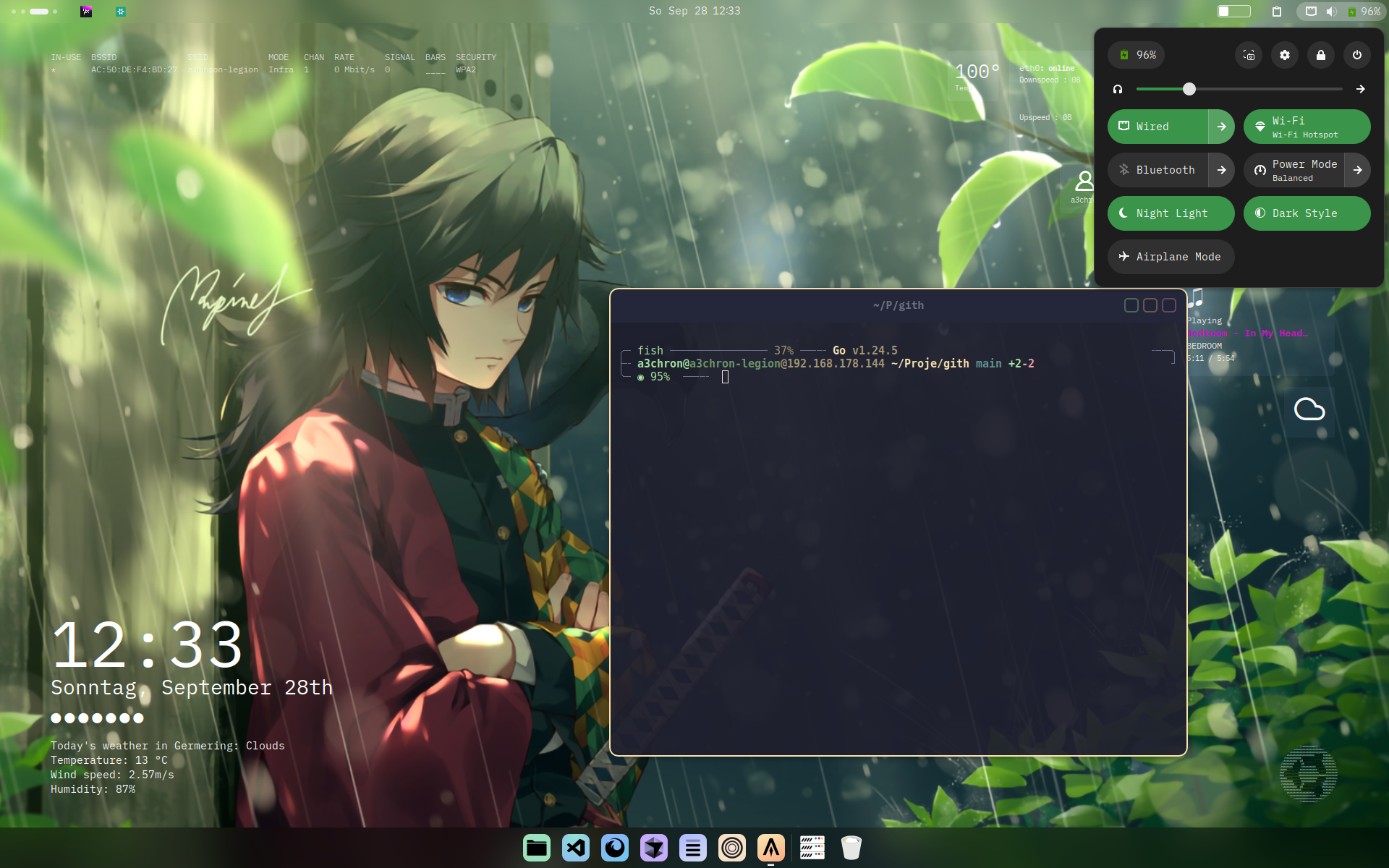 | 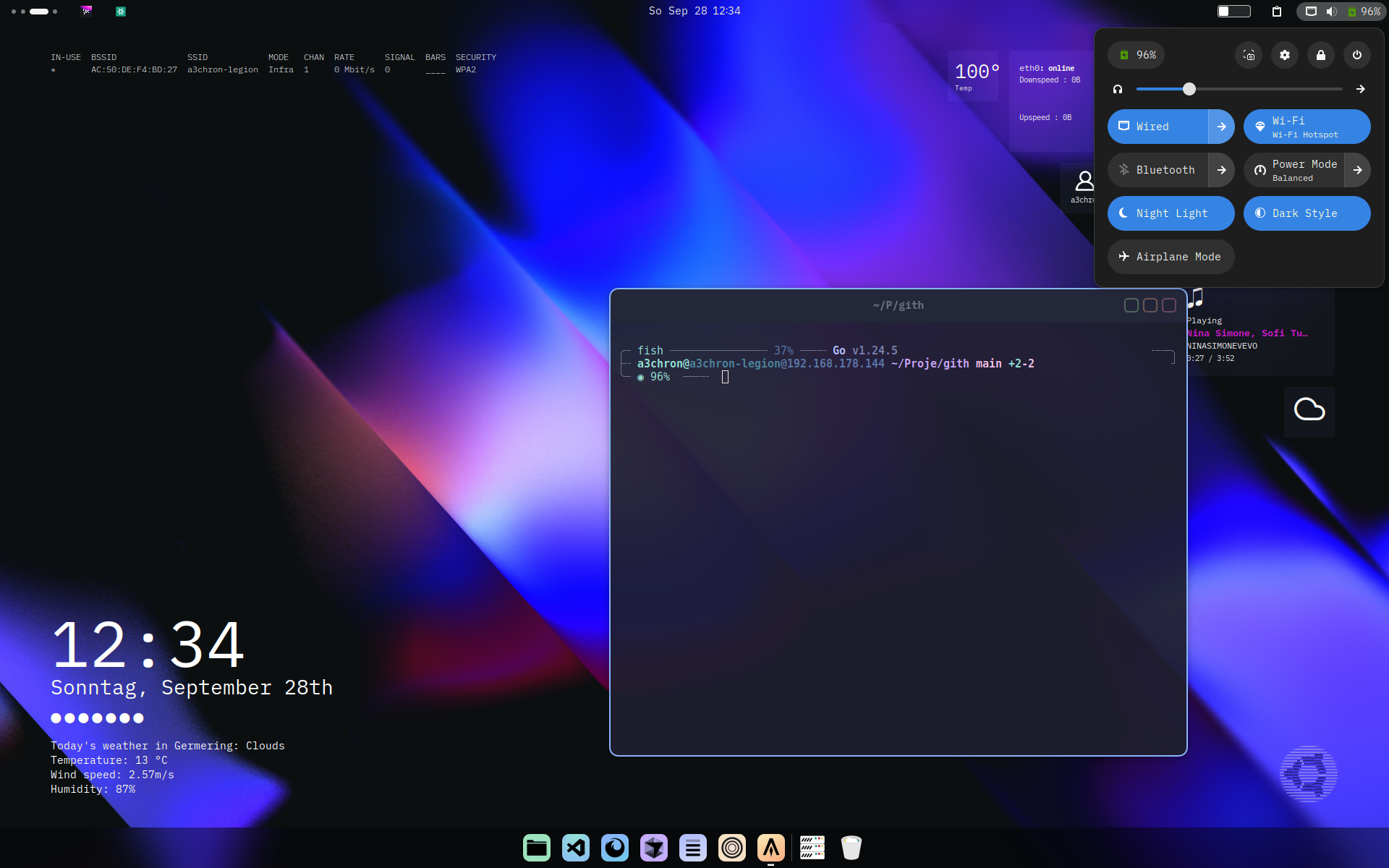 | 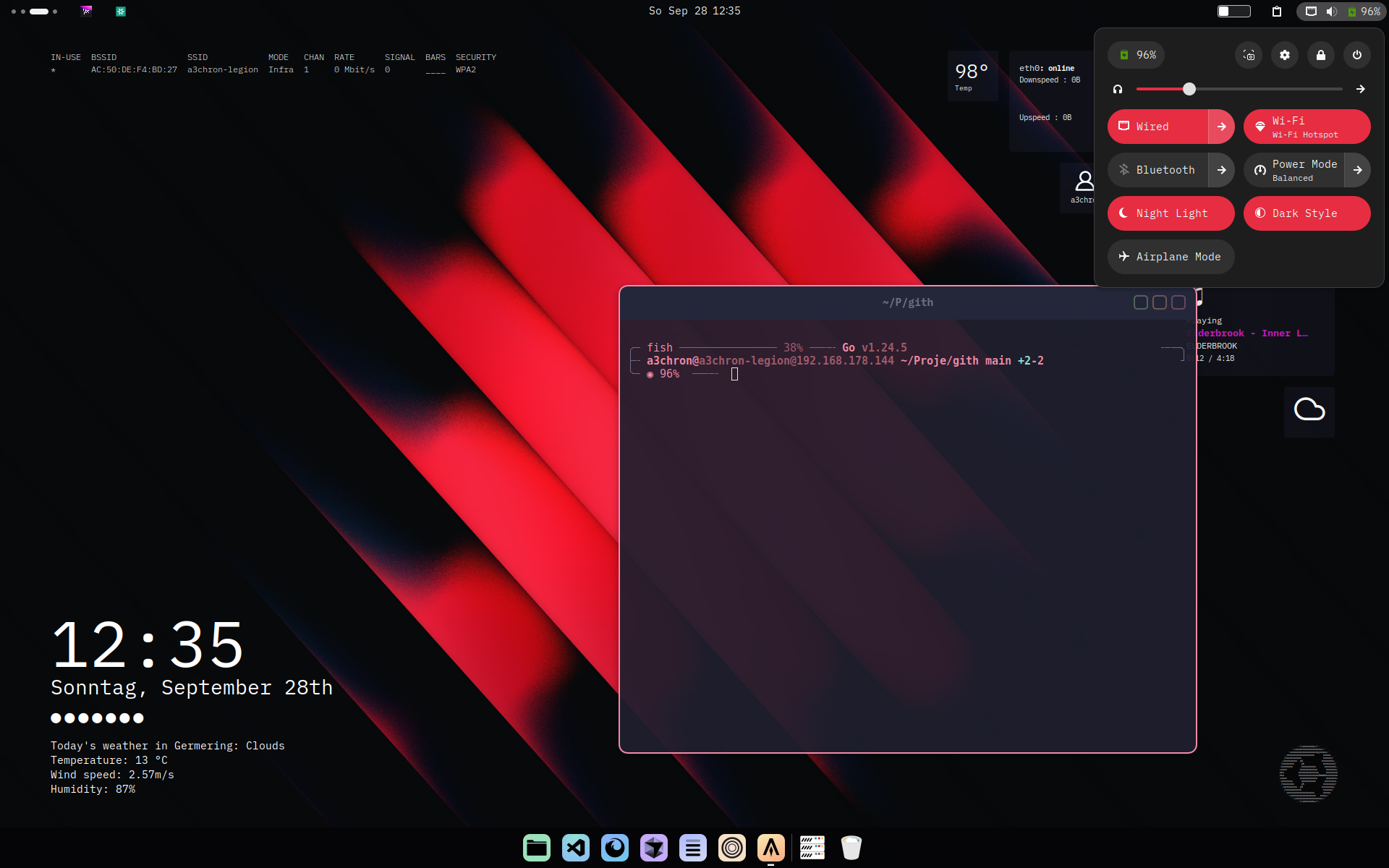 |
NoteLittle explanation, what this does is basically just two things:
- you have all your "themes" as seperate starship config files in a folder under
/etc/nixos- the small script just symlinks the starship config (
~/.config/starship.toml) to either one of them
Put all themed starship configs into the directory /etc/nixos/home/starship-themes:
/etc/nixos/home
├── username.nix
└── starship-themes
    ├── red.toml
    ├── blue.toml
    └── green.toml
#Setup for homemanger
In your /etc/nixos/home/username.nix add the following to enable starship if not already done (here for fish & bash, just use your shell):
programs.starship = {
  enable = true;

  enableBashIntegration = true;
  enableFishIntegration = true;
};
programs.fish.enable = true;
programs.bash.enable = true;
To populate the starship config file:
# Create initial symlink (only runs if file doesn't exist)
home.activation.setupStarshipTheme = config.lib.dag.entryAfter ["writeBoundary"] ''
  if [ ! -e "$HOME/.config/starship.toml" ]; then
    $DRY_RUN_CMD ln -s "/etc/nixos/home/starship-themes/blue.toml" "$HOME/.config/starship.toml"
  fi
'';
And at the end we'll have to add the script to switch themes (you can import it form an other file etc as well oc):
# User Packages
home.packages = with pkgs; [
  starship

  # your other packages

  (pkgs.writeShellScriptBin "starship-theme" ''
    THEME="$1"
    THEMES="/etc/nixos/home/starship-themes"
    ACTIVE="$HOME/.config/starship.toml"

    if [[ ! "$THEME" =~ ^(red|blue|green)$ ]]; then
      echo "Usage: starship-theme [red|blue|green]"
      exit 1
    fi

    ln -sf "$THEMES/$THEME.toml" "$ACTIVE"
    echo "✨ Starship theme switched to $THEME"
  '')
];
Now you just have to rebuild, and run starship-theme red for example
Have fun ;)