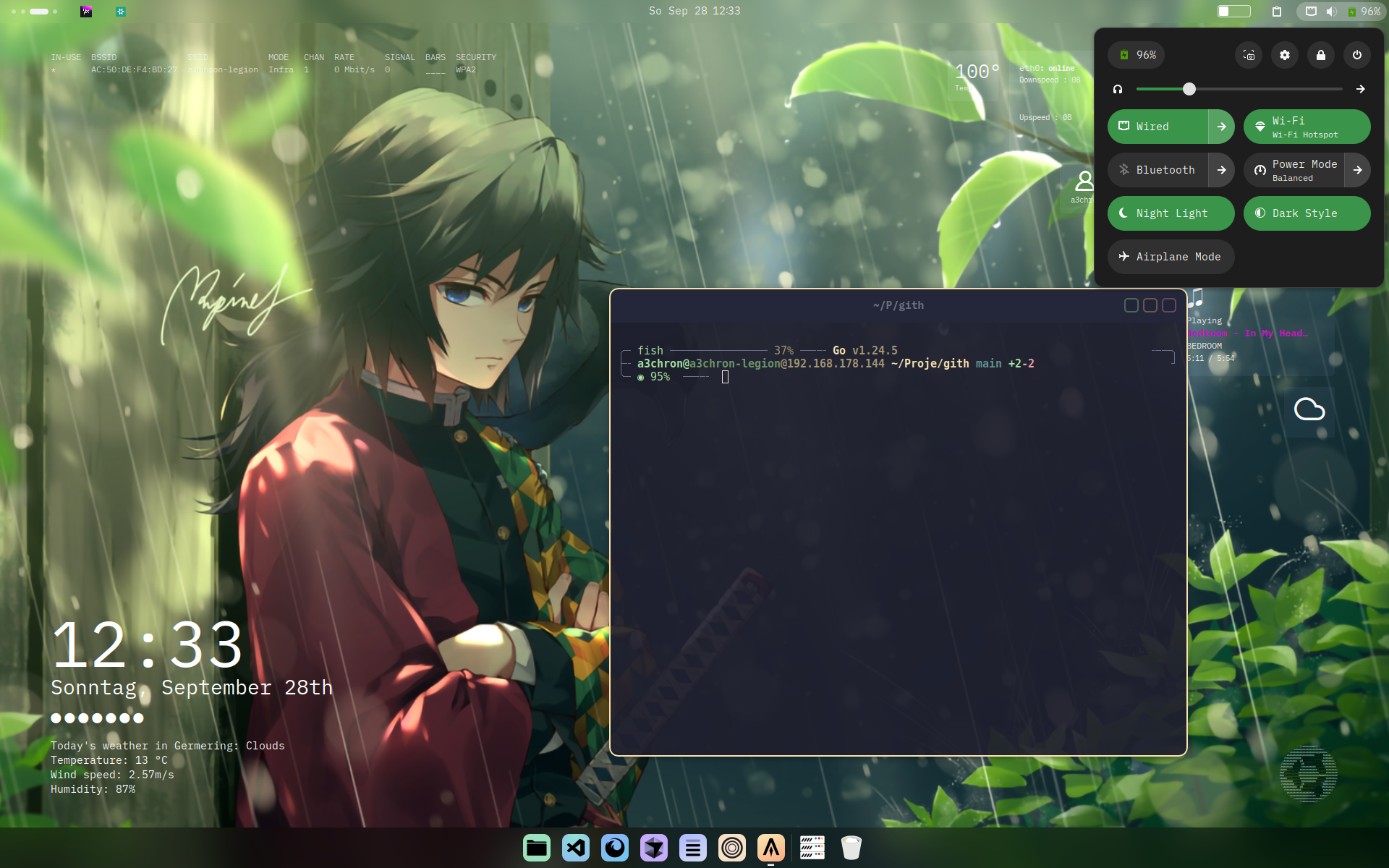
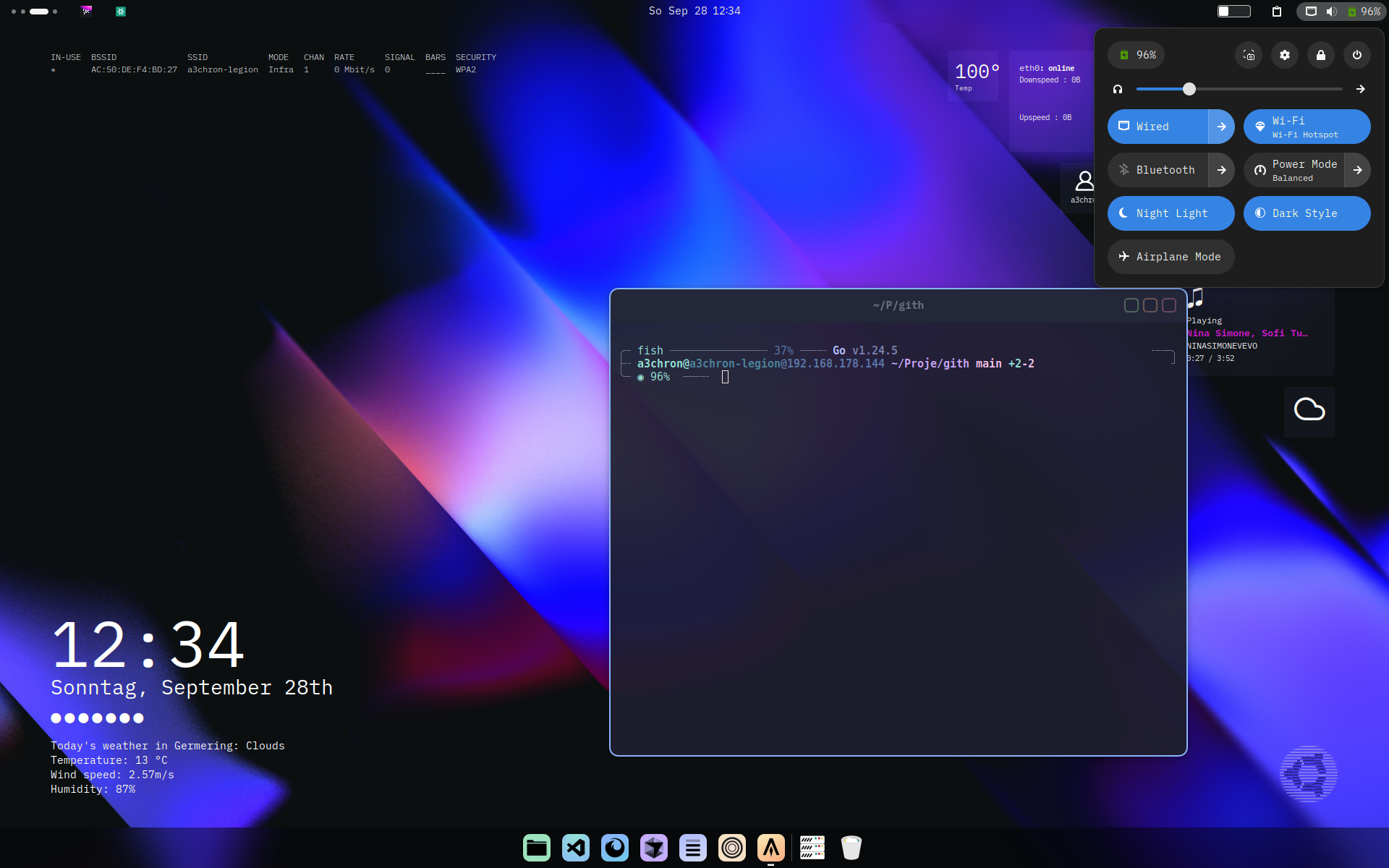
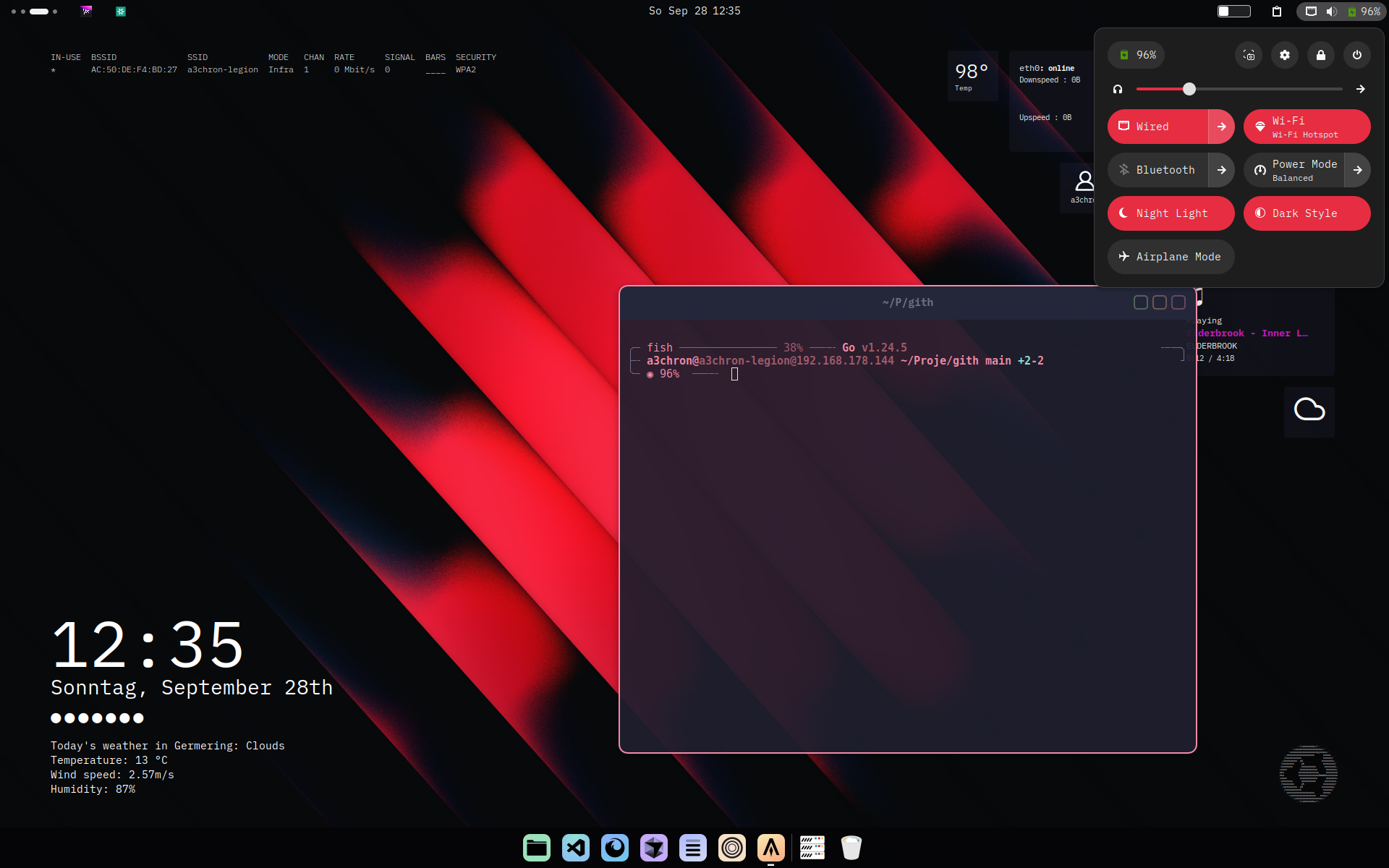
New version availableThis script was deprecated in favor of stellar, which improves performance & disk usage, adds cool new features, and includes an online hub for discovering all the beautiful community configs (which you can easily get for yourself with stellar)
Check it out:

The starship theme switcher below is the older predecessor of stellar, kept here for reference.
stellar itself now works on every platform, including windows — there it copies the config instead of using symlinks (which windows handles poorly), so you can just use stellar on any OS.
The starship theme switcher is basically a simple setup to easily switch starship themes / profiles. (obv customizable, the repo is just a starting point)
Notestarship-theme only switches the starship config. It can be part in bigger scripts to change the entire system theme if needed. For the borders, the gnome extension Rounded Window Corners Reborn is used. The quick-settings color is set manually or with an other command too, in the settings.
You can use following command to switch predifined themes:
starship-theme blue
Maybe a lil bit inefficient, it just has a themes folder in ./config, with all starship configs, and copies the selected theme to the starship config location.